


The Ultimate Gembet SG Mobile Workaround Guide
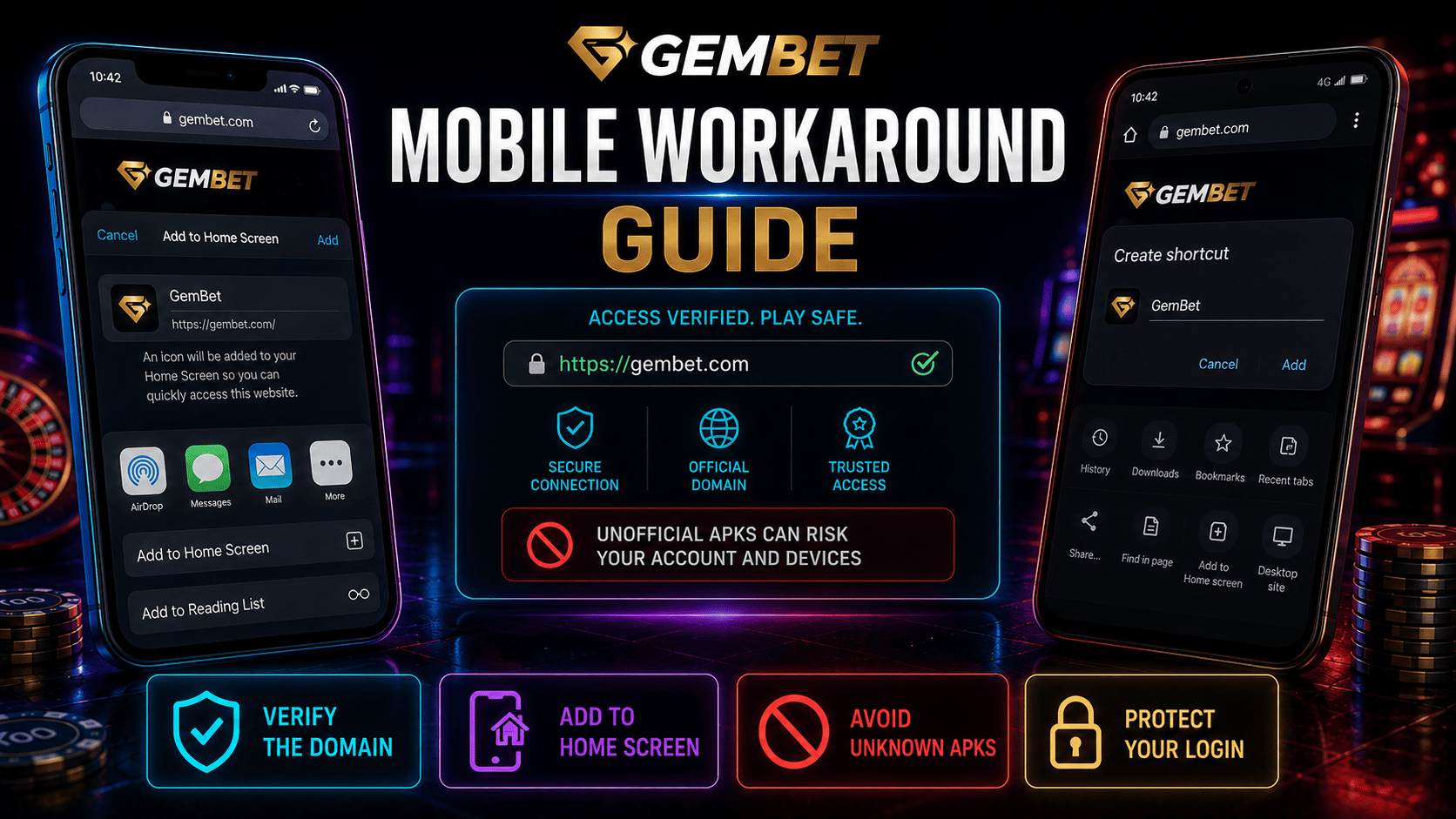
A mobile workaround can place a website shortcut on a phone’s Home Screen, but it does not automatically create a native app. The safer approach is to use a trusted browser, open the correct website manually, and avoid APK files or configuration profiles from unofficial sources. This mobile workaround guide explains the supported iPhone and Android steps, what the shortcut can do, and how to reduce problems during fast live betting.
Why Use a Mobile Workaround Instead of an APK?
An unofficial APK can request broad device permissions or imitate a familiar brand. A Home Screen shortcut does not install an unknown Android package.
A mobile workaround does not prove that a website is licensed or safe, and it cannot guarantee full-screen display or faster performance. Results depend on the browser, website, device, and connection.
Before creating a shortcut, type the known address yourself, confirm the domain, and check for a valid HTTPS connection. HTTPS protects information in transit, but it does not establish the operator’s identity or local legal status.
Set Up the Shortcut on iPhone or iPad
Apple’s current instructions say users can open a website in Safari, tap More or Share, choose Add to Home Screen, and add the icon. Apple also notes that supported sites can open as web apps.
Use this mobile workaround on iOS:
- Open Safari and enter the verified website address.
- Review the full domain before signing in.
- Tap More or Share, depending on the Safari layout.
- Choose Add to Home Screen.
- Edit the shortcut name if needed, then tap Add.
- Open the icon and confirm that it returns to the same domain.
Set Up the Shortcut on Android
Google’s official Chrome instructions say Android users can open a website, tap More, choose Add to home screen, and select Create shortcut. Some eligible websites may offer an installation option.
Use this mobile workaround on Android:
- Open the current version of Chrome.
- Enter and verify the website address.
- Tap the three-dot More menu.
- Choose Add to home screen.
- Select Create shortcut, or follow the installation prompt if shown.
- Open the icon and recheck the domain before entering credentials.
A shortcut and an installed web app are not always the same.
Mobile Workaround Troubleshooting
| Problem | Safer Check | Avoid |
|---|---|---|
| Shortcut opens the wrong page | Delete it and recreate it from the verified domain | Editing a suspicious redirected address |
| Home Screen option is missing | Update the browser and check official browser help | Downloading an APK as a replacement |
| Login repeatedly expires | Review cookie settings and use the official sign-in page | Saving credentials in an unknown password manager |
| Live page feels slow | Check the connection and close unnecessary tabs | Assuming cache clearing always fixes it |
| Bet status is unclear | Check account history first | Placing duplicate wagers |
Improve Reliability Without Weakening Security
For fast live betting, connection stability matters more than full-screen presentation. Use a trusted network, keep the operating system and browser updated, and avoid public Wi-Fi for account or payment activity. Lower video quality only when the site provides that control and the stream is unstable.
Clear browser data only when troubleshooting requires it, because removing cookies can sign you out and erase preferences.
Enable location only when a legitimate service explains why it is required. Review extensions, VPNs, and battery tools one at a time rather than disabling every protection.
Protect the Shortcut and Account
A mobile workaround offers convenience, not identity protection. Enable the device screen lock, use a unique account password, and activate two-factor authentication when available. Do not store recovery codes in screenshots or shared folders.
Avoid links sent through unsolicited messages, pop-ups claiming an app update is required, and profiles from unknown sources. Gembet SG branding on an icon does not prove that the page behind it is genuine.
Legal Access Comes Before Convenience
Singapore’s Gambling Regulatory Authority states that it is unlawful to provide unlicensed remote gambling services to people in Singapore and that Singapore Pools is the only operator licensed to provide remote gambling services locally. A mobile workaround does not change that legal position.
This guide explains browser shortcut mechanics, not a method for bypassing access controls, app-store rules, or local restrictions. Do not use alternate domains, VPNs, sideloaded software, or location changes to evade a block.
Best Way to Use a Mobile Workaround
The best mobile workaround is a simple mobile workaround created as a Home Screen shortcut from a verified address using Safari or Chrome. Confirm the domain before every login, keep the browser current, and treat the shortcut as a bookmark rather than proof of an official app.
For fast live betting, verify that a wager was accepted before trying again after a connection interruption. A Home Screen icon can shorten navigation, but it cannot guarantee speed, safety, uninterrupted streaming, or lawful access.
Experience the real deal with SG's top Live Dealers. Play Baccarat, Roulette & more.

